
For people building a product with AI
You can build now. Next you need a way to run it.
Request, story, scenario in plain language, task. With that structure, AI implements without guessing and you focus on what to build. Traditional task trackers were not designed for building together with AI.
Start by writing down one feature you have in mind.
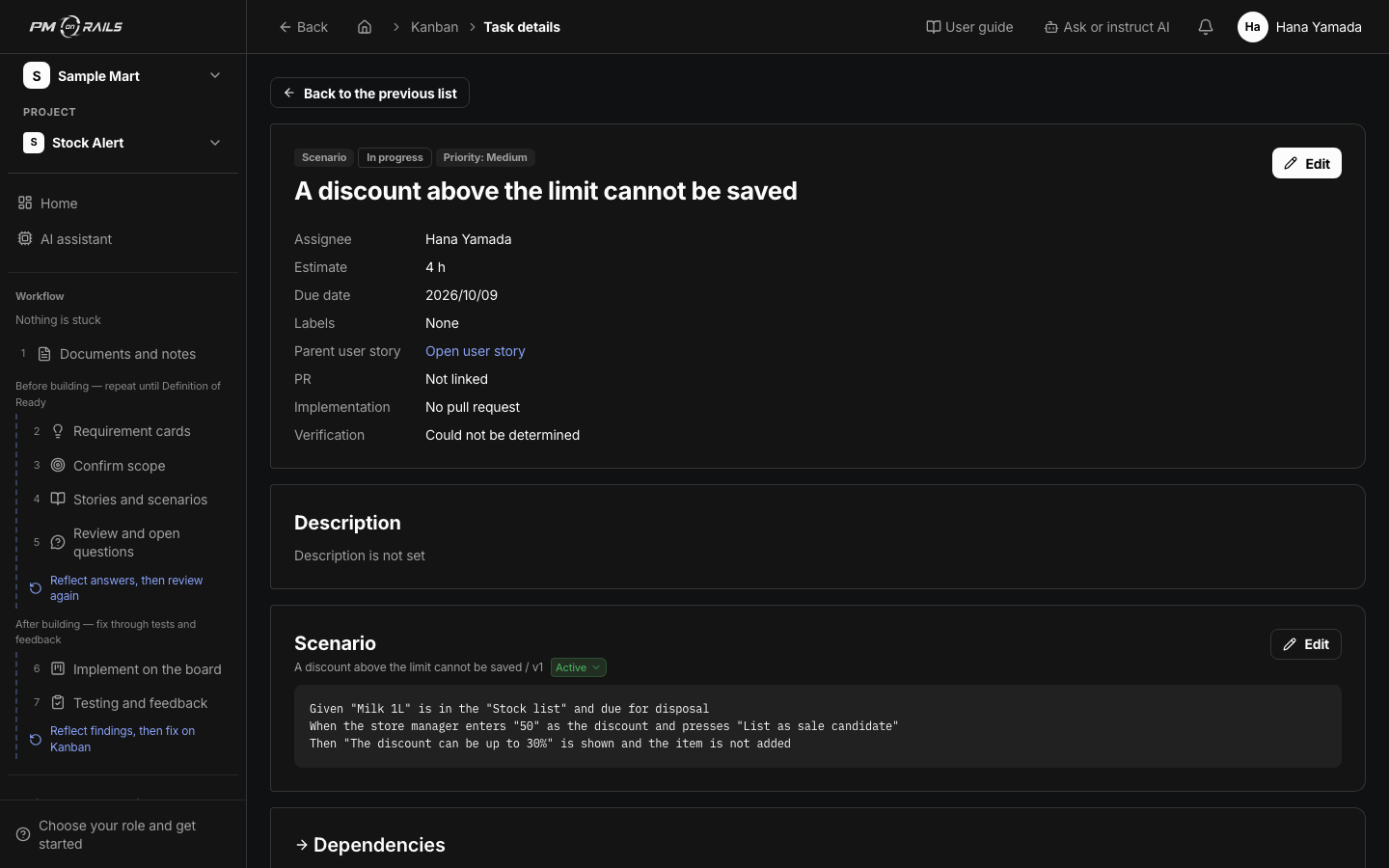
npm install -g pm-on-rails
pm-on-rails login
pm-on-rails mcp install
Connect Claude Code
login opens your browser for approval and stores the token in your local keychain. You need a workspace account to sign in. Restart Claude Code and tools like these are available.
Tools you will use most
- start_task
- Start a task. Returns the branch name and the line to paste into the pull request
- read_scenario
- Read an acceptance scenario (Given / When / Then)
- get_traceability
- Trace a task back to its request, and forward to what a change would affect
The problem
Building with AI, does this sound familiar?
What you want to build is scattered across chat logs
You can no longer tell which thread decided what.
You lose track of what you asked AI for and what is finished
Features that seem to work mix with features you have not touched.
It runs, but you have not checked that it is right
There are no acceptance criteria, so there is nothing to check against.
How it works
Even alone, it runs as if you had a PM.
Write what you want to build and AI splits it into requests and scenarios. The agent reads them, implements, and the results are recorded against the scenarios.
- 01
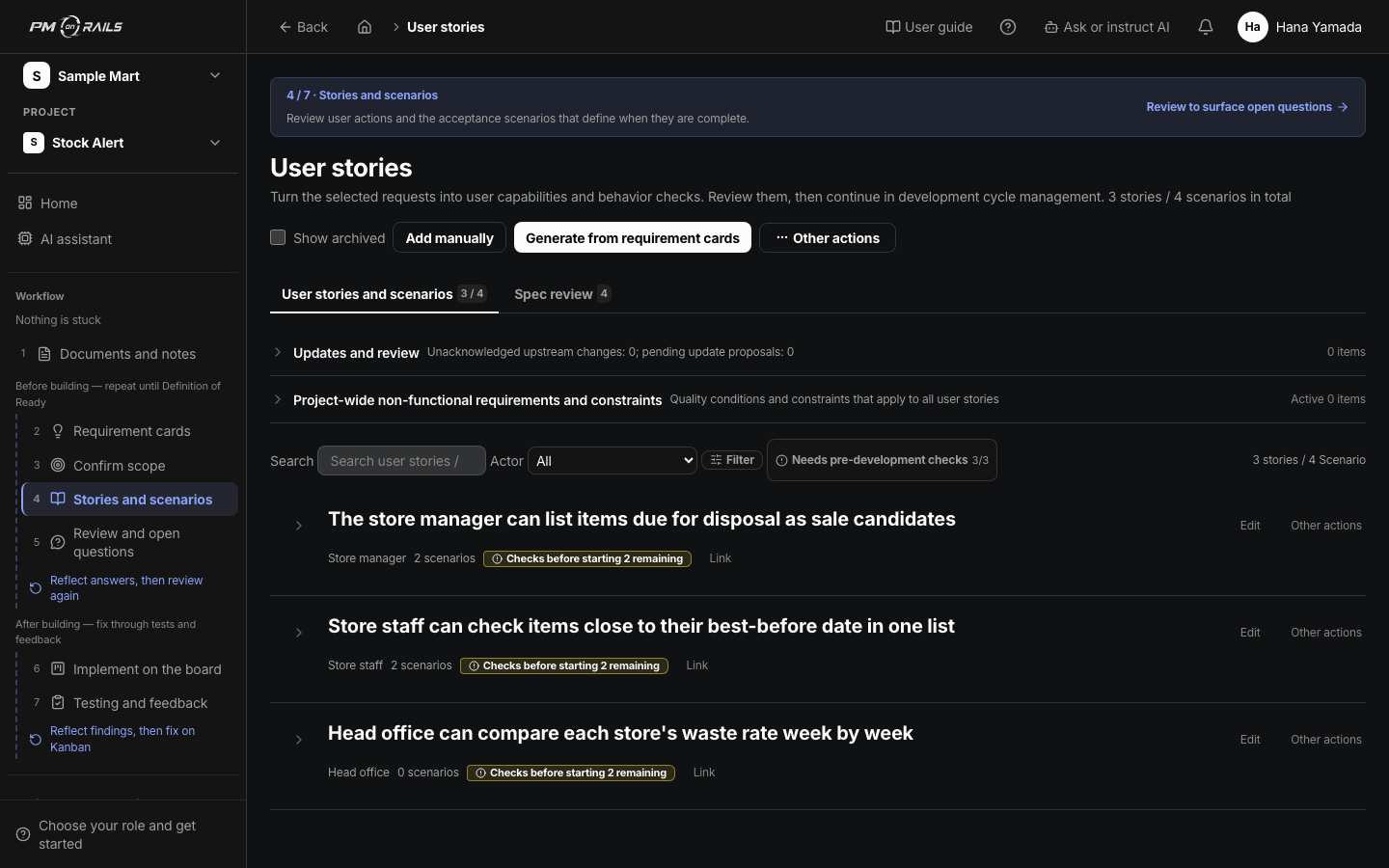
Write what you want to build
Write down an idea and AI splits it into a requirement card, user stories and acceptance scenarios (normal, error and boundary cases). Anything vague stays behind as a question.
You: Write
About stories and scenarios - 02
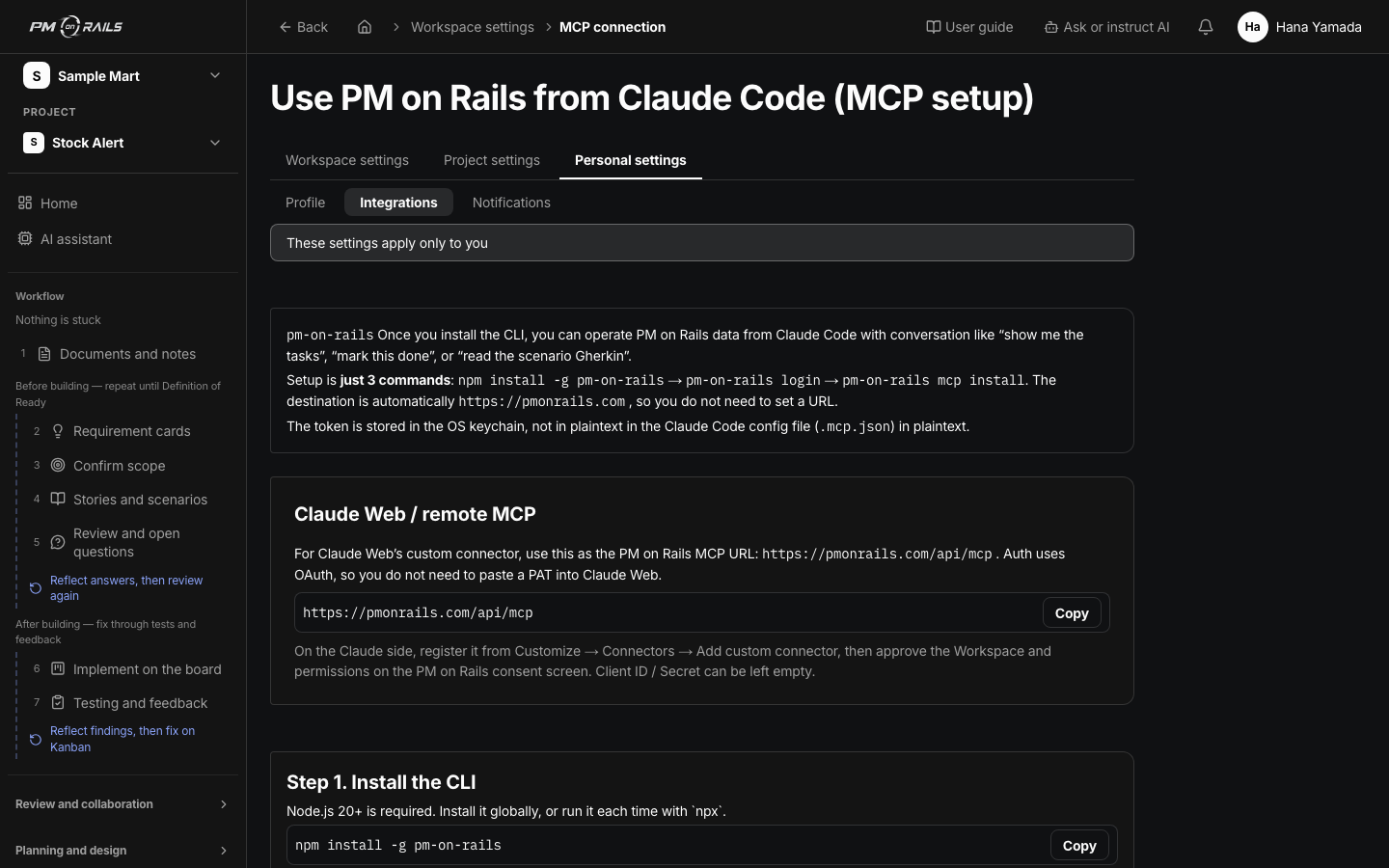
Claude Code reads the scenario and implements
Connected over MCP, the agent reads the scenario and acceptance criteria before it starts writing. When it finishes, the pull request completes the task and it moves to the next one.
You: Watch
Developing with Claude Code / Codex - 03
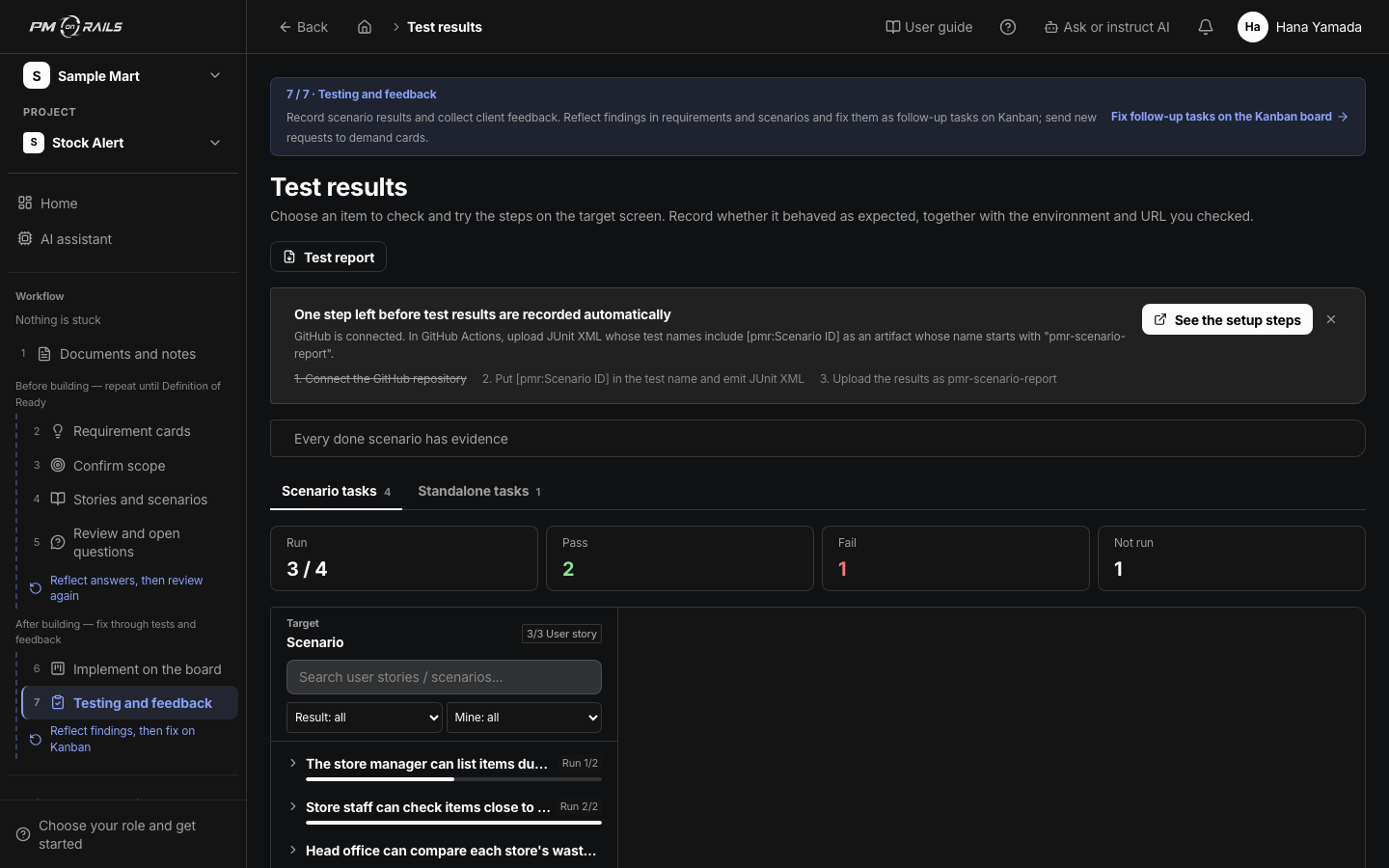
Passes are recorded against scenarios
CI results are kept per scenario. Instead of “it seems to work”, you can say “this scenario passed”.
You: Check
About test results
The loop
From request to passing test, the same loop every time.
You put in what to build and leave the implementation to the agent. The tool runs the steps in between.
- 01RequestNotes and asks
- 02ScenarioAcceptance criteria
- 03BuildClaude Code / Codex
- 04TestCI results recorded
- 05FeedbackQuestions and decisions
- Where you are involved
- Where AI and the tool take over
From early users
What surprised the people who tried it.
I had started building but had no idea how to manage it. Existing task trackers did not fit working with AI.
Scenarios are in plain language, so I can check them myself. Having CI passes recorded automatically helps.
Summarized from interviews with early users.
Structure makes you faster
Give your vibe coding a structure.
Free to start. Write down one feature you have in mind and watch it become a scenario.